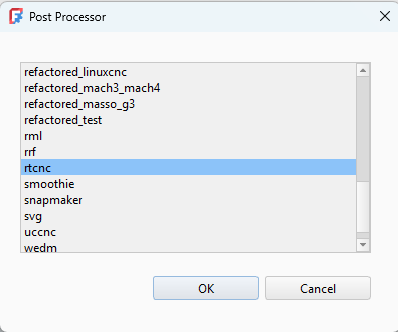
FreeCAD Post Processor Installation
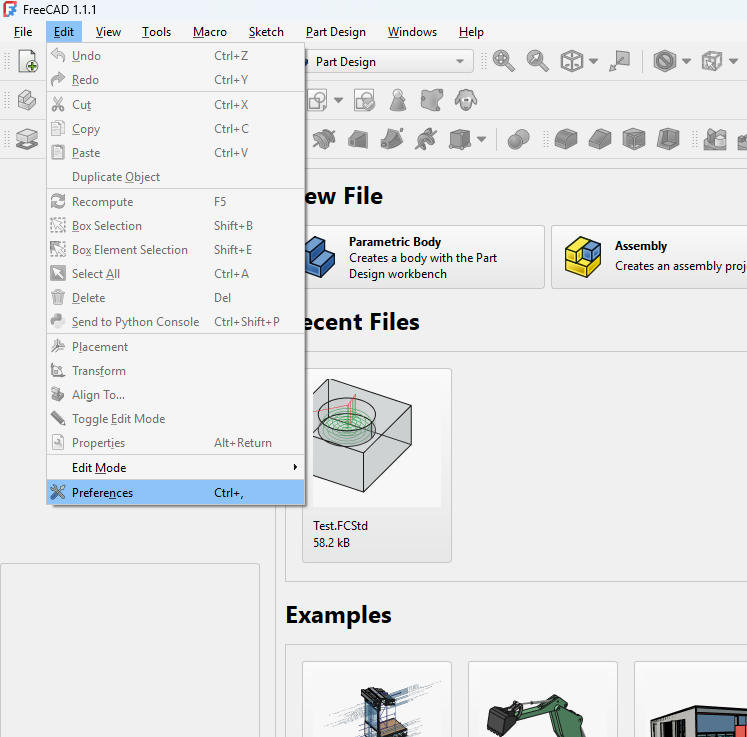
Start FreeCAD and navigate to Edit-->Preferences
Select the "Python" category and take note of the "Macro Path". This is the destination for the RTCNC FreeCAD post processor.
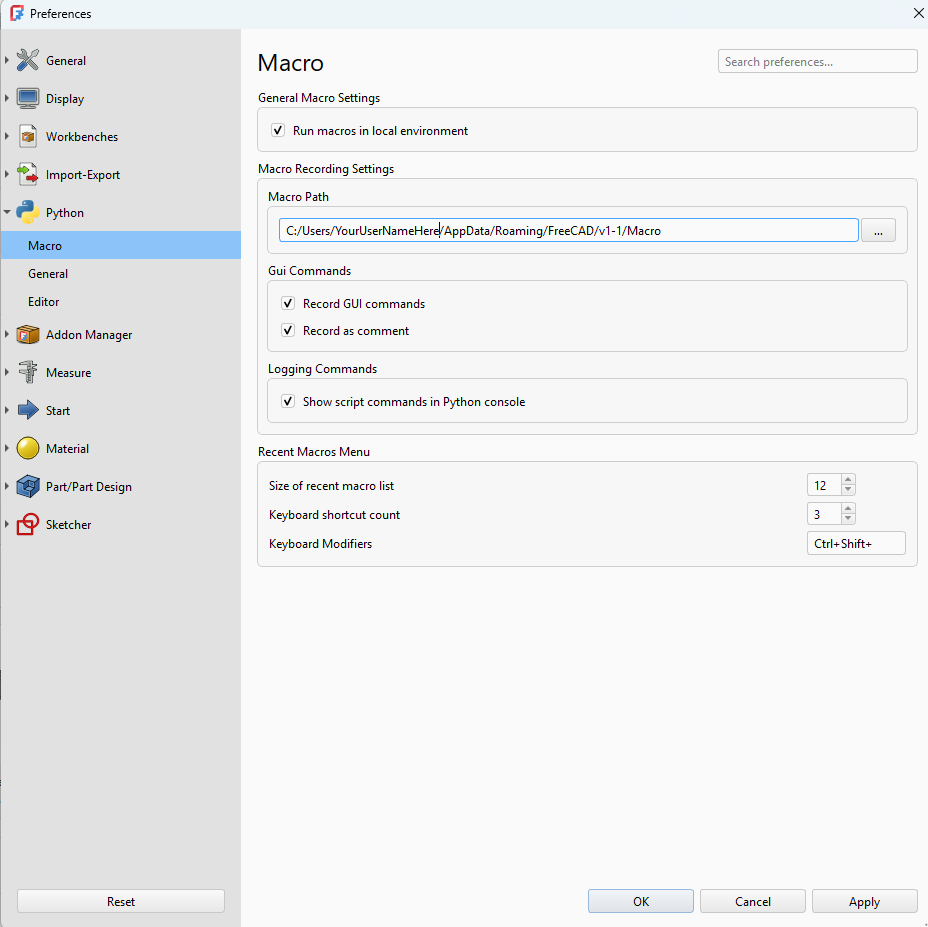
Download the latest FreeCAD processor from our Post Processors page and save it into the macro path.
Restart FreeCAD and the RTCNC post processor should now be available.